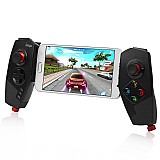
ג'ויסטיק בלוטוס לסמארטפון וטאבלט iPega PG-9083S - הדגם החדש!

ג`ויסטיק בלוטוס לסמארטפון וטאבלט iPega PG-9083S - הדגם החדש 2023

מאפיינים ושידרוגים:

פרטים נוספים:

  • זמן אספקה: עד6ימי עסקים
  • תשלומים: 5 X 59.80
  • מקט: 4420
רגיל רגיל 375.00

מבצע   299.00 ILS 3/7/2027 In stock IPEGA 4420 4420

  • +
  • -
visaisracardmastercardamerican express

1

  • Customers need to pay attention to the following issues:
  • 1. Ipega PG-9083S is compatible with Android 6.0 and higher system phones and Android tablets (please check your own device before purchasing)
  • 2. Ipega PG-9083S supports ios13.0+MFI system equipment, iPhone and iPad tablet.
  • 3. It does not support MediaTek chip phones (please check your device before purchasing)
  • Note: Select different switch button connection methods according to different devices. This device has Android, Android standard devices and game console connections,

T
7

  • 1. Support the handle of the ShootingPlus V3 protocol, the game displayed in the software After the download button is connected, the download button preset can be played directly. If you want to play other games, you can customize your button through the ShootingPlus V3 software. .
  • 2. First, connect the handle to the mobile phone through the wireless , PG-9083S, then open the shangingplus v3 software, confirm that the handle is connected to the background, directly into the game interface, click "V3" suspended ball icon (or handle Press the START button) Enter the custom button interface, as shown.

3
6

  • 1.After entering the custom button interface, you can drag the button icon at will. Drag to the virtual button you want to correspond to, if you think that the button icon is too much, you can drag the unwanted button icon to the [Dust Bucket] button, you can delete the button. icon.
  • 2.After entering, press and hold a blank area on the screen to start loading screenshots of the game, and click "Select Picture" to select screenshots of the game. Please take a screenshot of the picture of the main interface of the game in advance, such as "Peace Elite"
  • HIGH PRECIS ION ROCKER,
  • SMOOTH OPERAT ION
  • Match textured caps to prevent slppling
  • The virtual joystick should be aligned with the set key shake, and there should be no deviation.
  • Product model: 9083S
  • wireless 4.0, transmission distance ≤ 8 meters
  • Battery capacity: 380mAH
  • Continuous use time: 15 hours
  • Product weight: 232±5g

2

  • 1. If you want to completely reset, you can click the [New] button. At this point, the button icon is all cleared, then press the button on the handle, press A, the A button icon will appear in the middle of the screen, drag to you want to drag it. On the virtual button, other buttons are set up.
  • 2. After the setting is complete, you can exit the custom button interface, click the [Save] button (or press the START button) to exit.
  • Download shootingplus V3 APP, customize button settings according to different game requirements,
  • 1. In the game settings interface, select joystick settings,
  • 2. The virtual joystick should be aligned with the setting button rocker, and there should be no deviation.
  • 3. It is recommended to enlarge the radius of the virtual joystick in the setting interface. If the radius is too small, the joystick will not match the virtual joystick and will not work normally.
  • 4. You can view YouTube videos in the settings, please contact me if you have any questions, thank you

K

  • Note: Common customer problems:
  • Q: The gamepad does not work,
  • Answer: 1.ipega-9083S supports Android 6.0 and higher devices, and does not support ios devices. If the device is lower than this version, it will not work. 2. You need to download shootingplus V3 for custom button settings,
  • Q: The product's wireless network is often disconnected or stuck.
  • Answer: 1. Insufficient power of the gamepad will cause frequent disconnection of the wireless network, 2. Android phones and devices freeze, disconnect, and the phone displays insufficient Android memory.
  • Q: The analog joystick on the right side of the gamepad does not work properly.
  • Answer: 1.The function of the button on the right is not turned on. The customer needs to open ShootingplusV3, set the button interface, click R, select the view mode and save. 2. Select the joystick mode in the game settings,
  • Q: Android devices are not working properly,
  • Answer: Please make sure that the Android device is 6.0 or higher, and make sure that the Android button mode is selected for the gamepad.
  • Q: The ios device cannot work normally,
  • Answer: 9083S does not support Apple ios system devices, and does not support
  • Q: The dead zone appears on the joystick controller
  • Answer: It is recommended to adjust the size of the virtual joystick and enlarge the virtual joystick,
  • Q: I can connect, but the game buttons do not respond Answer: After entering the game, you need to select and set the joystick in the game settings. Each game is different. Set according to the operation of the game.

 Tablet ipad Game Controller

Product introduction

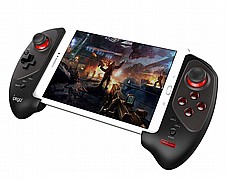
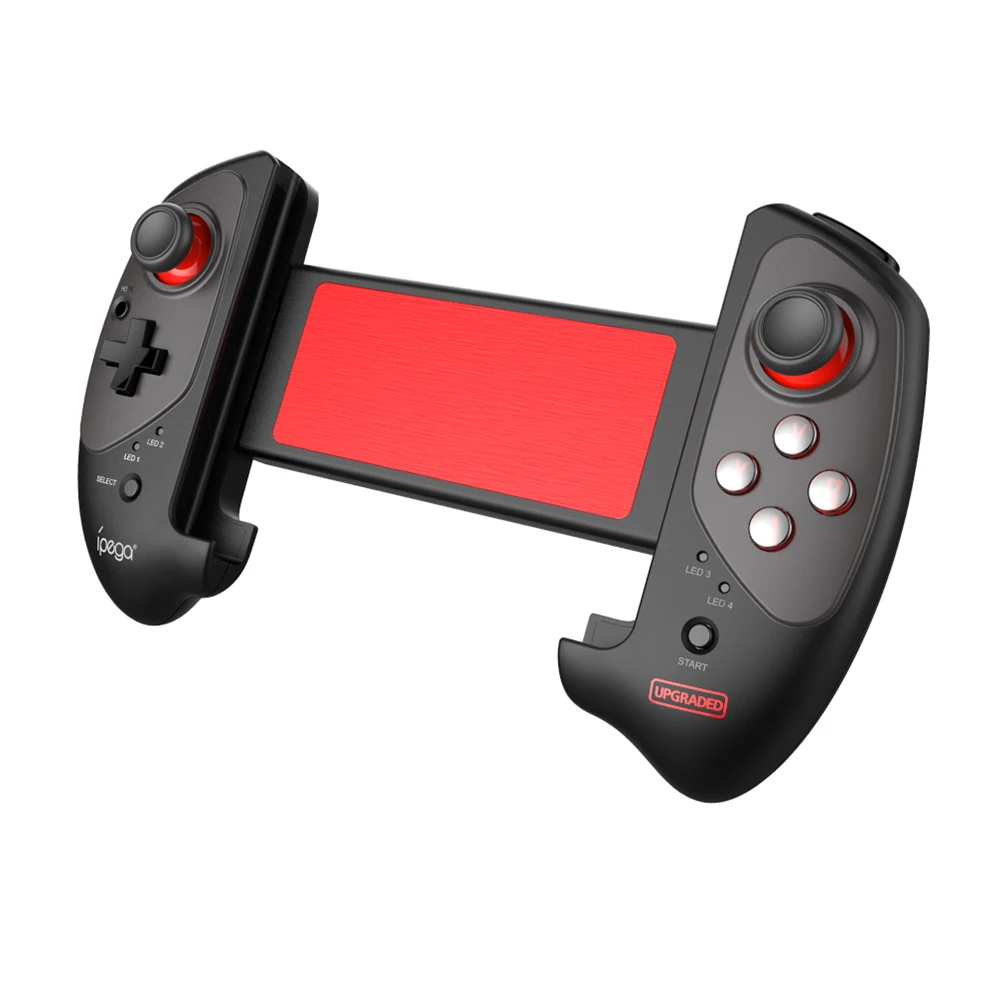
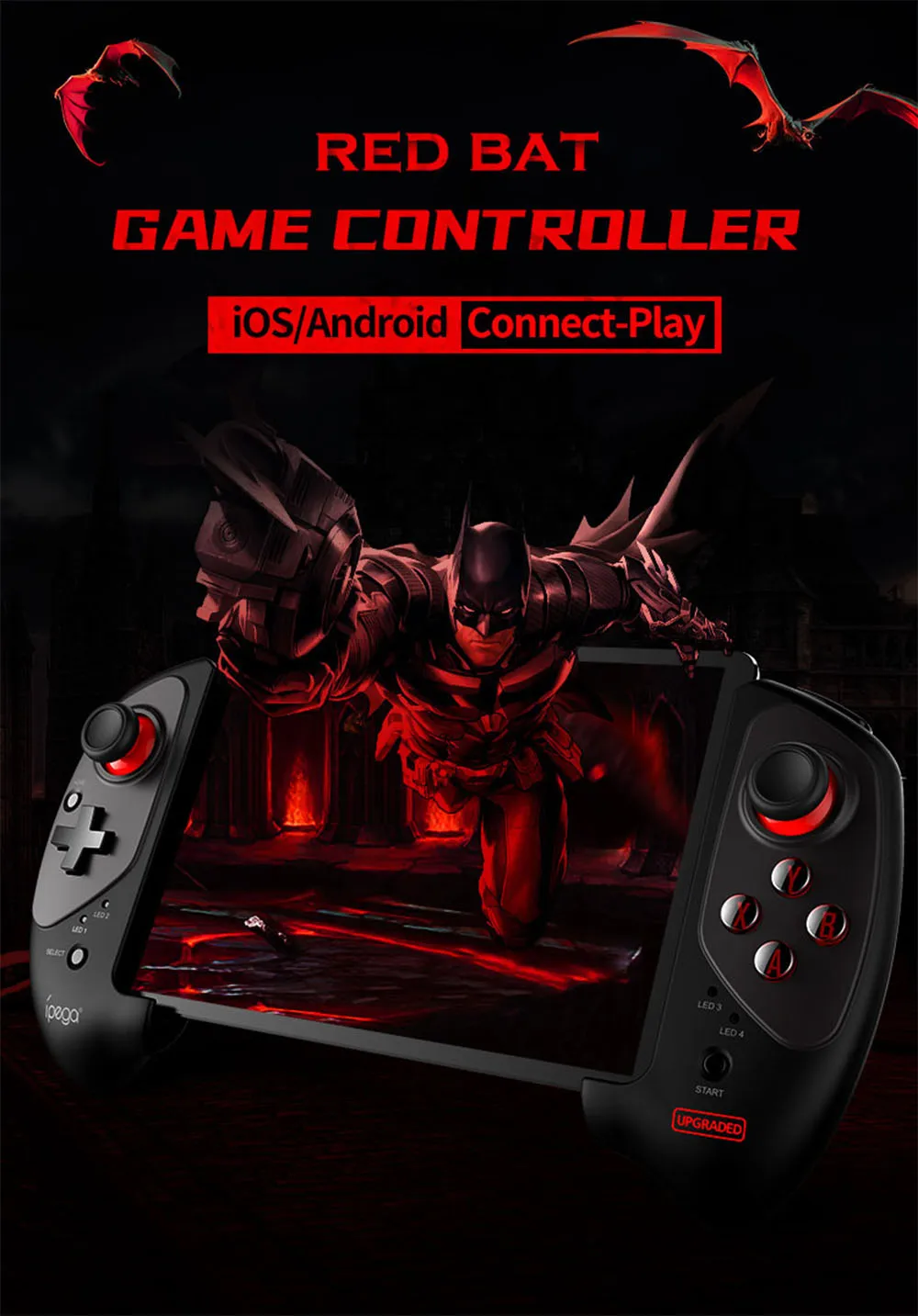
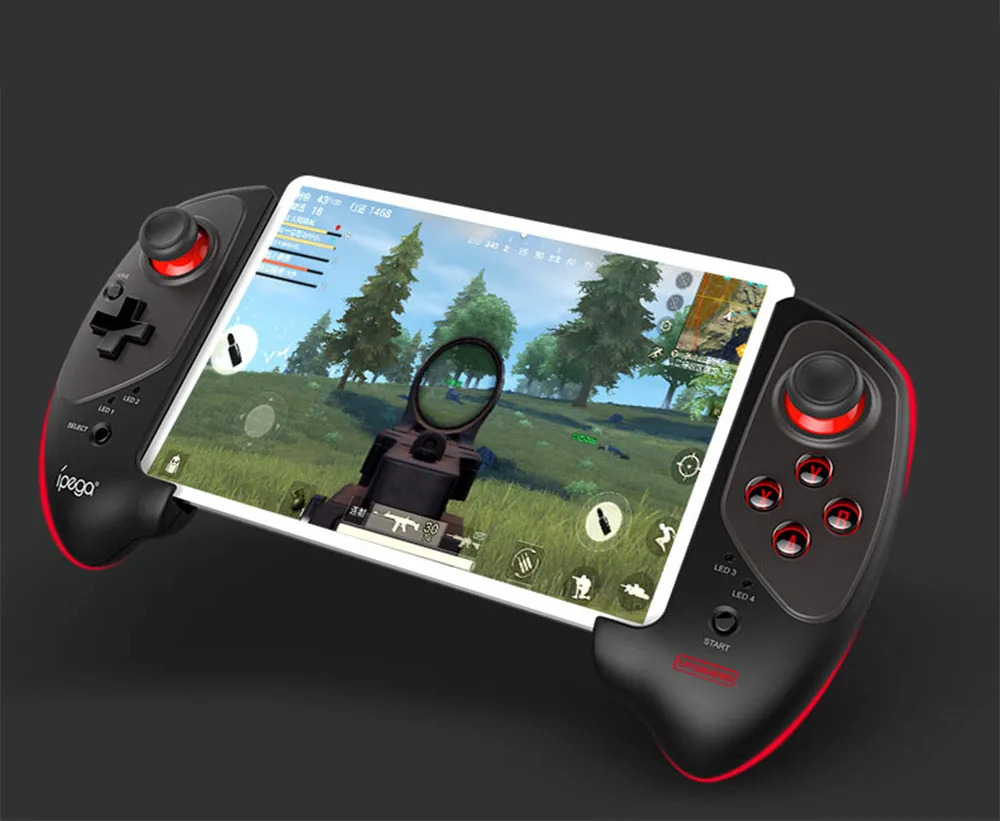
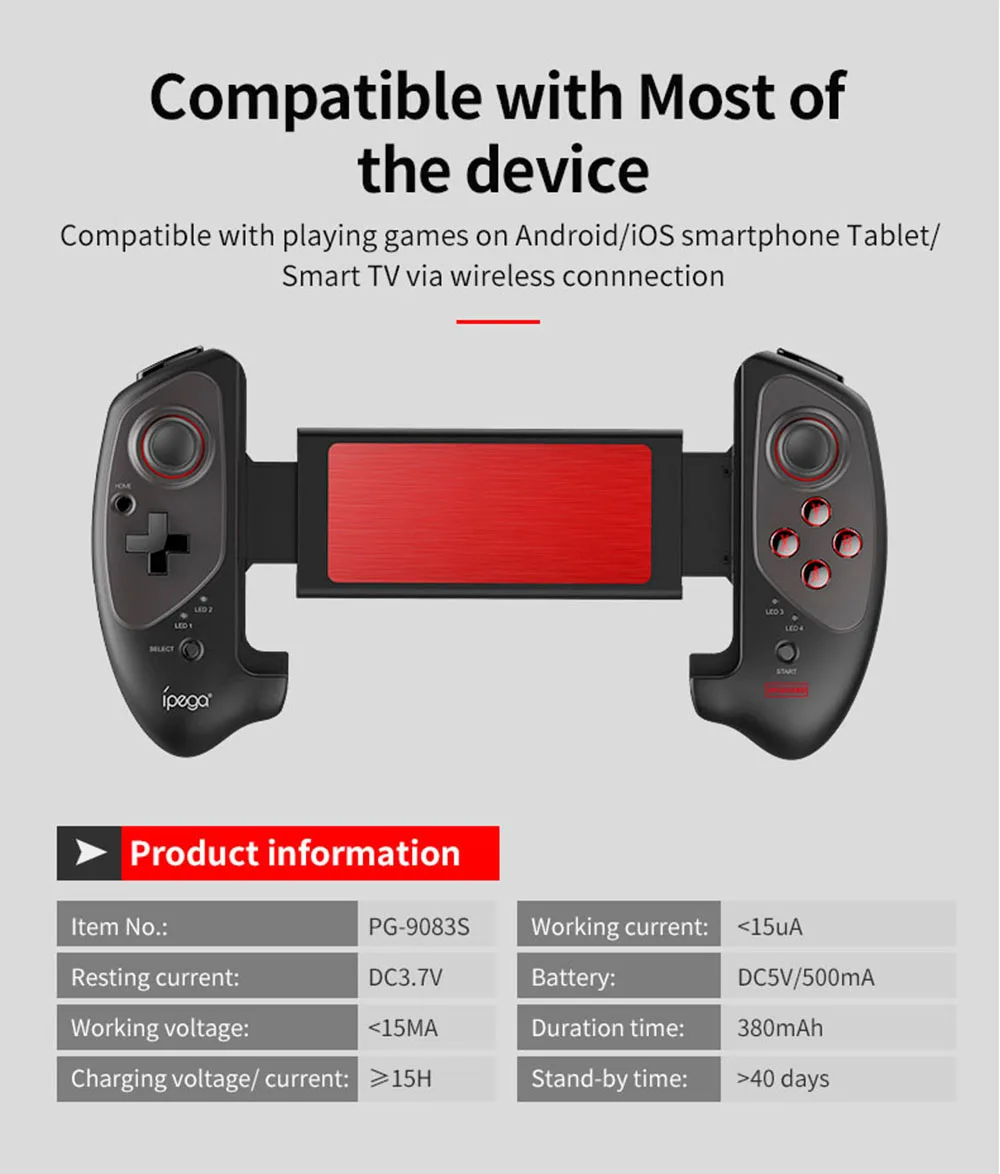
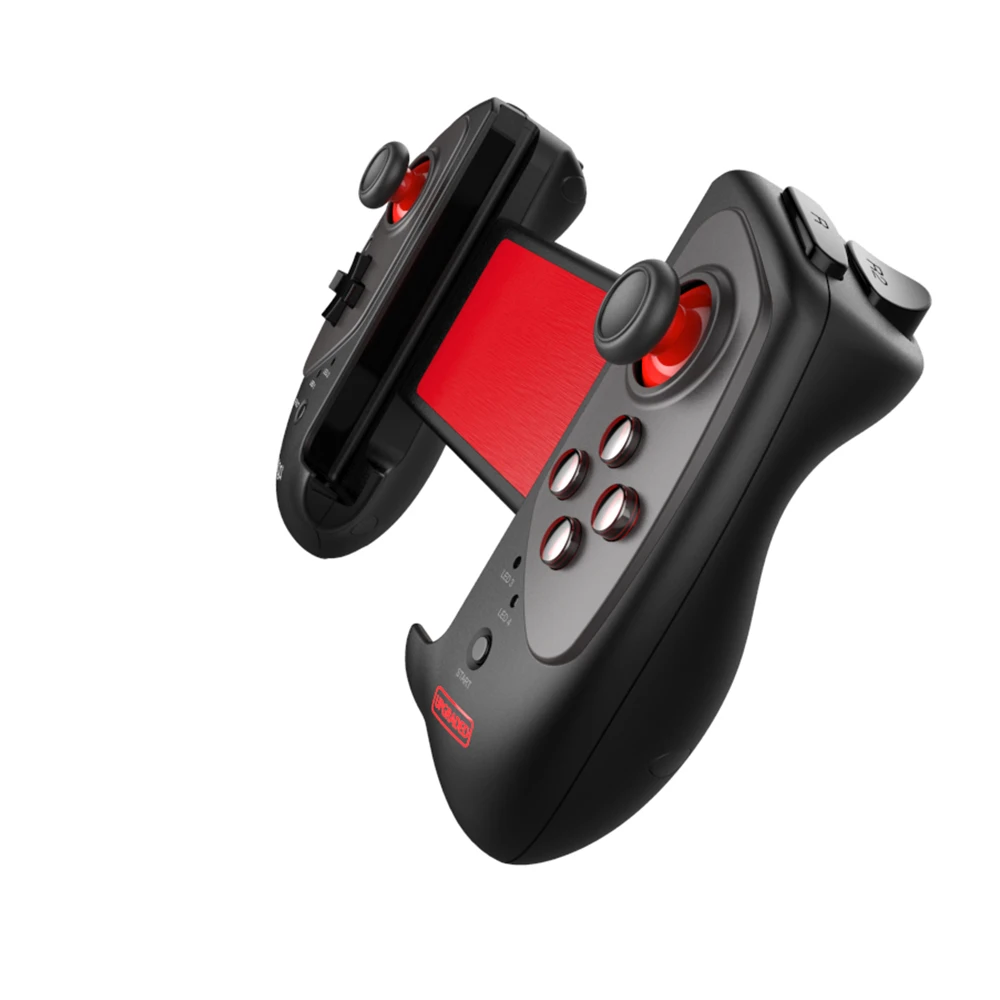
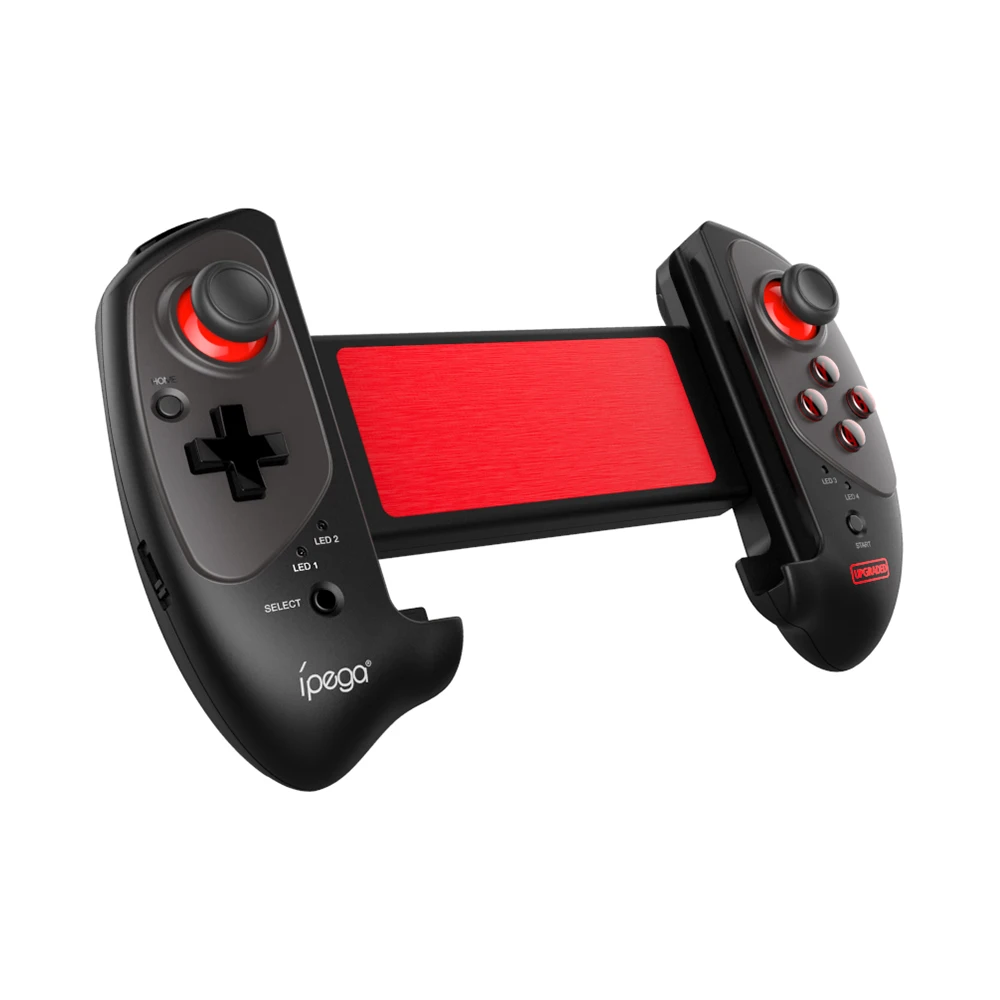
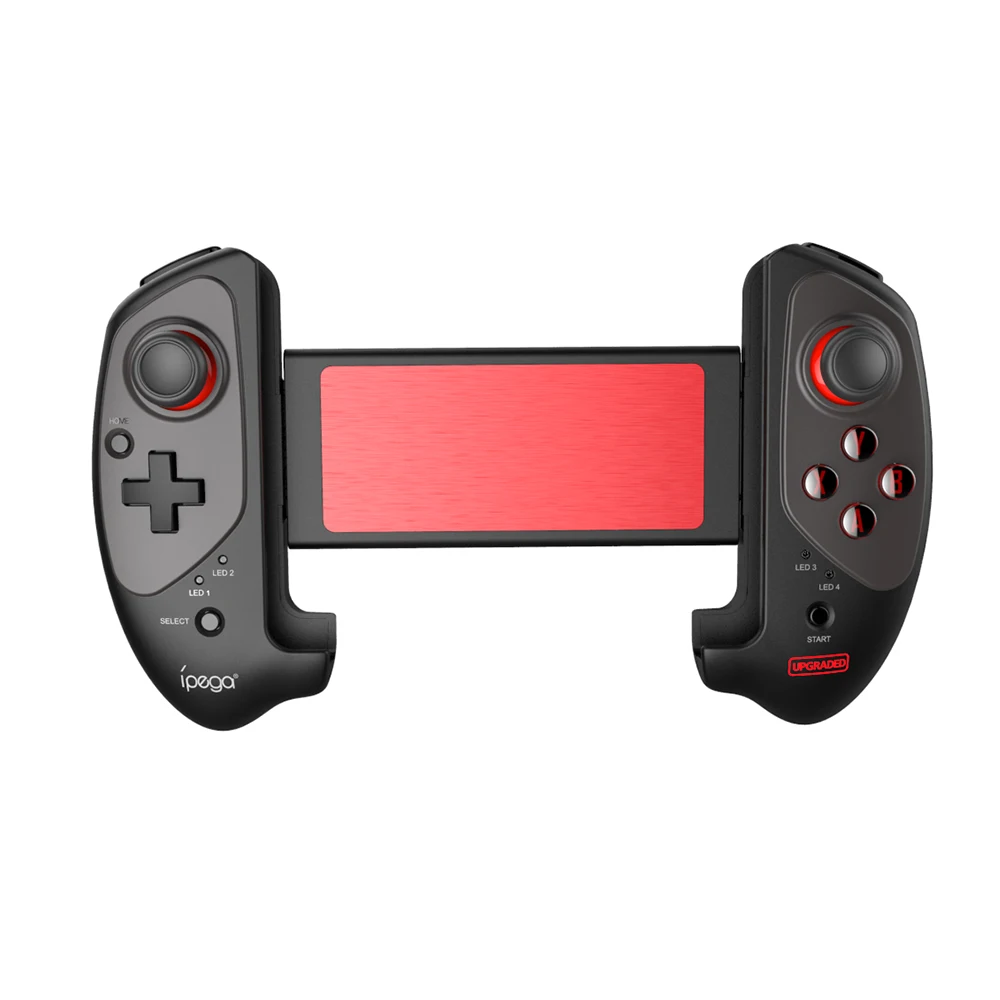
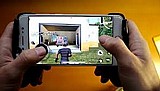
Ipega PG-9083s is a universal wireless gamepad, it can playing on Android/iOS smartphones & tablets. In addition, you can also play on the computer. Sliding gamepad - thanks to its design, it allows you to fit even tablets in a horizontal position. The game console mount allows you to mount devices up to 28 cm wide. Ready-made control schemes for mobile online shooters PUBG, Rules of Survival, Fortnite, etc. A fully charged built-in 380 mAh battery allows you to play up to 10 hours without recharging. Bluetooth joystick iPega PG-9083s will turn your tablet or smartphone into a full-fledged mobile game console.

- Product video -

Product description

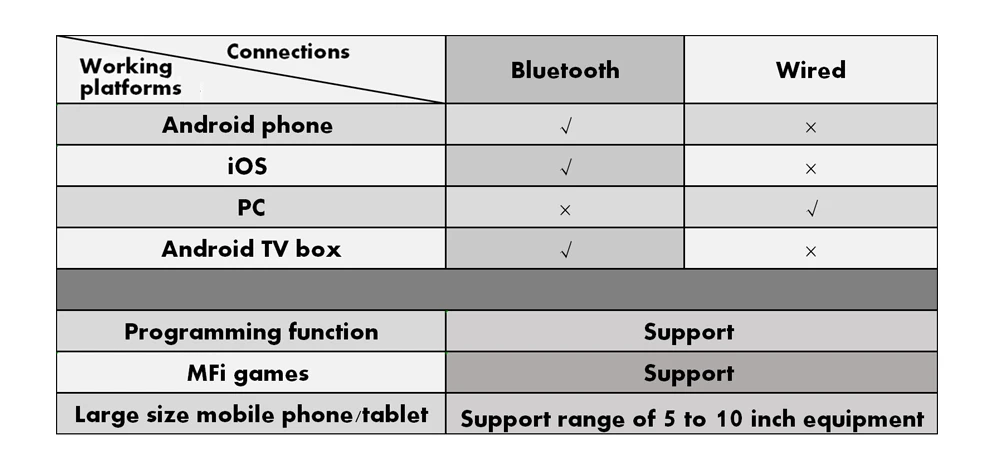
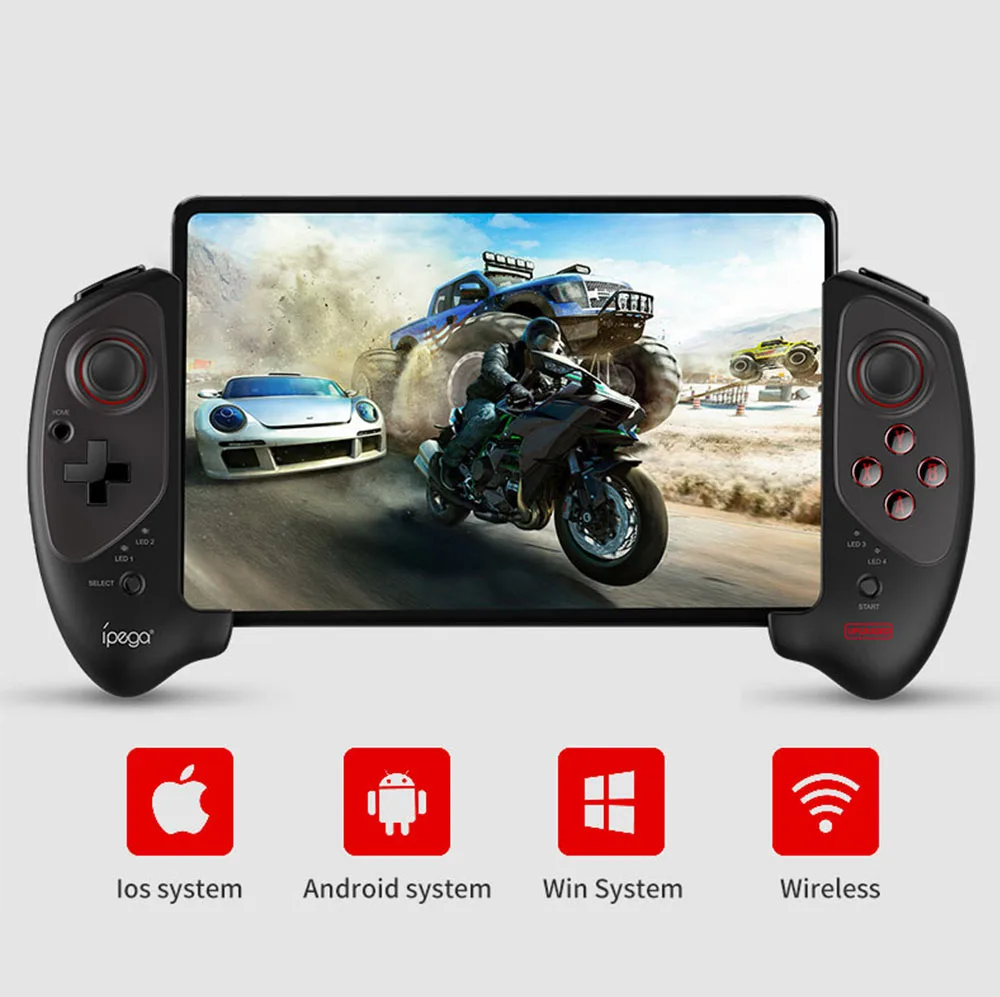
Support multi-platforms: Android / iOS / PC / Nintendo Switch / Playstation

New version PG-9083S game controller is an unprecedented game controller that supports almost all gaming platforms, including Nintendo Switch, Android, iOS and Windows PC. Meet the needs of many players on multiple platforms.

New version PG-9083S support MFi games

In addition to the performance improvements brought by Apple on iOS 13, there are more game subscription services, MFI games is one of them. As long as it is an MFi certified game, Ipega PG-9083S gamepad also supports it.

NOTE: All colors support iOS13.0&above MFI Games

Support wired/wireless dual connection mode

You can choose to connect Bluetooth to play mobile games, or you can choose wired connection to play Sony Playstation or computer games.

Easy adapt to all kinds of device

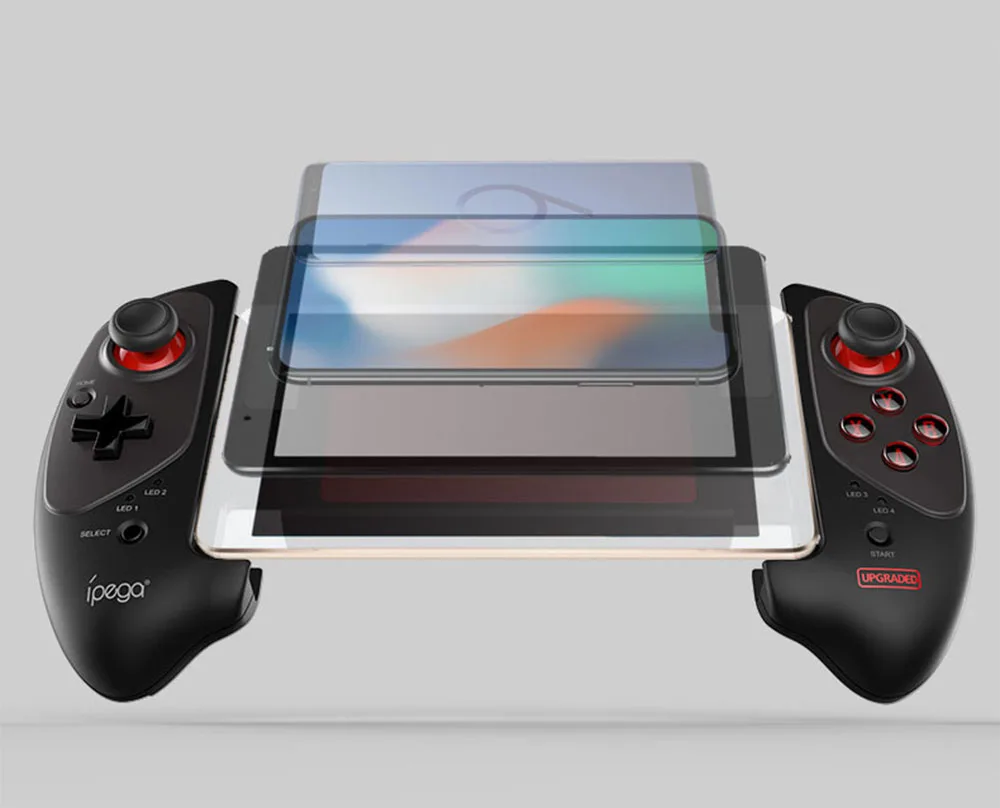
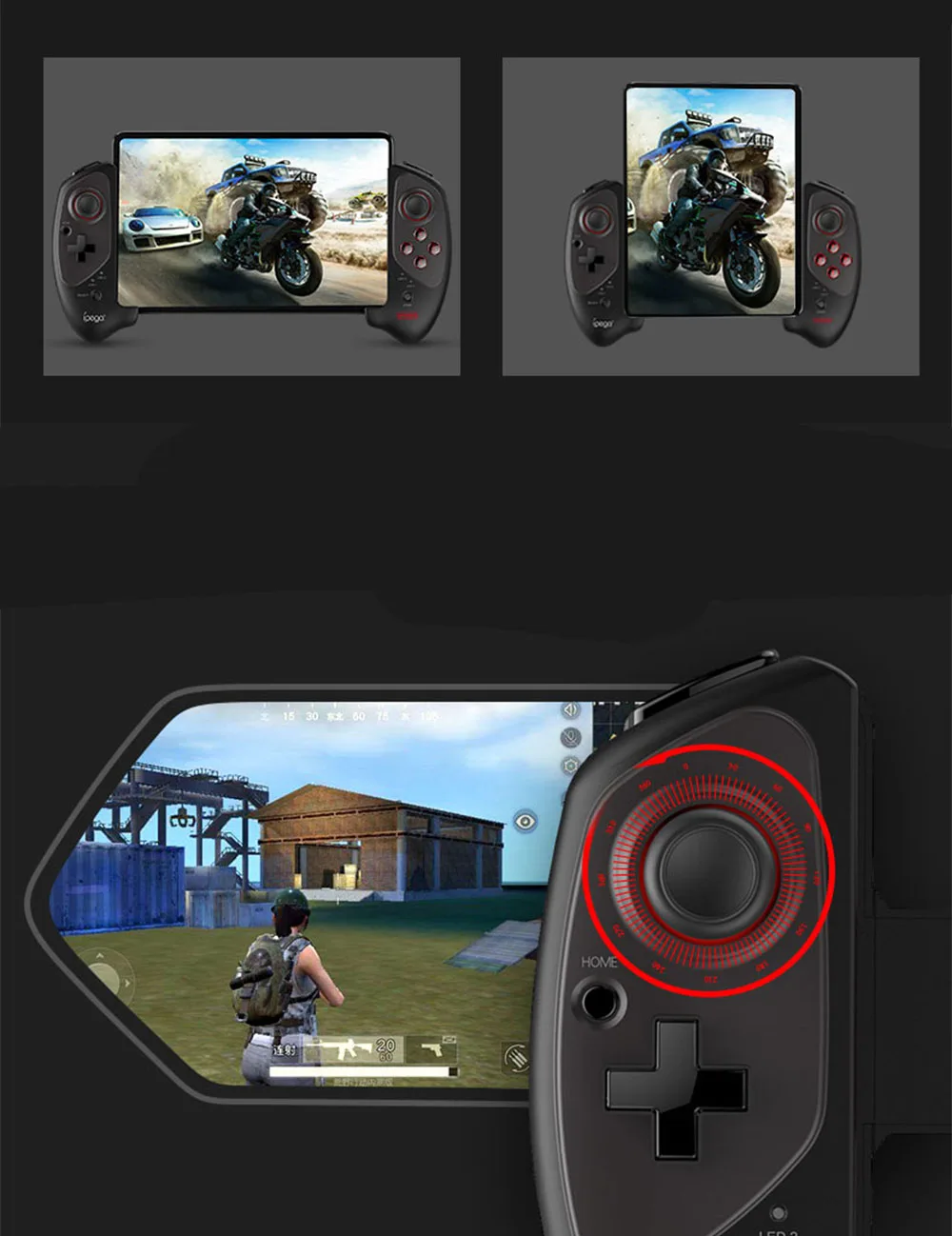
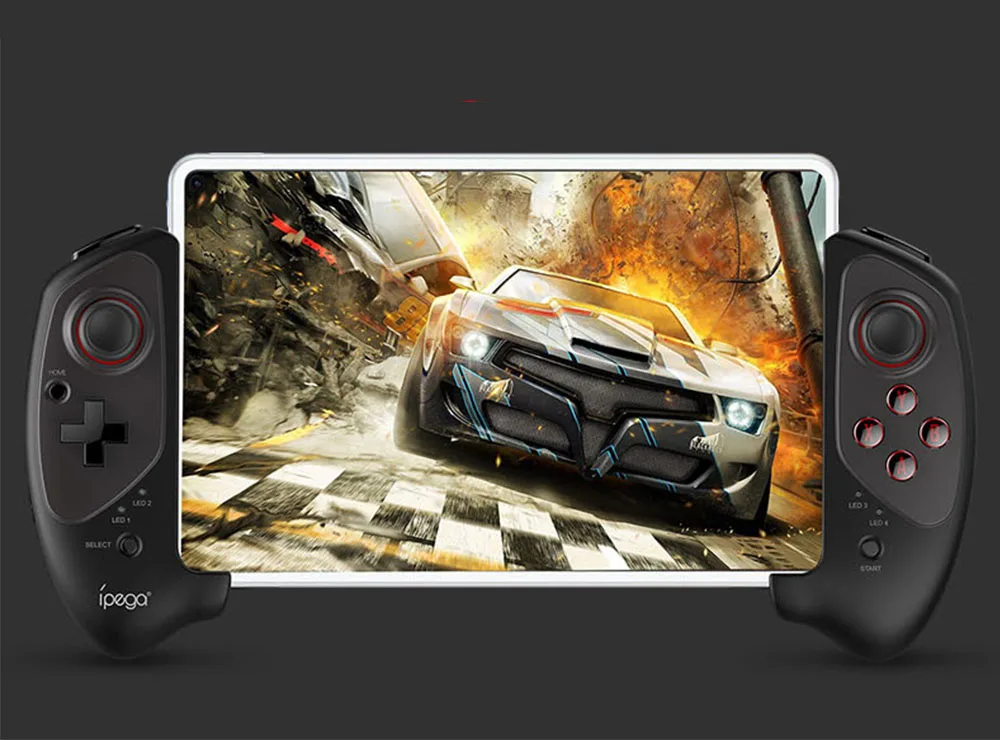
Ipega PG-9083S is equipped with an extra-long telescopic rod, which can be stretched up to 28 cm, so you don't need to worry about playing with a tablet.

Horizontal/Vertical Play Tablet Games

Support two game modes of tablet, and Ipega PG-9083S is equipped with anti-skid rocker, giving you a better gaming experience.

Comfortable grip

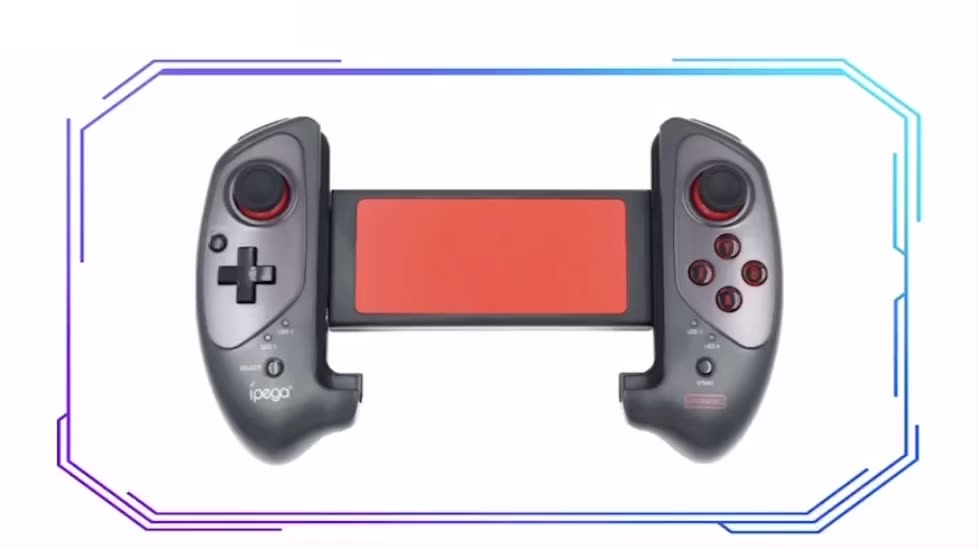
Ergonomic design bring you extremely cool and comfortable hand hold feelings.

- Product show -

לקוחות שראו מוצר זה קנו גם...

לא מצאתם את מה שחיפשתם? השאירו פרטים ונחזור אליכם בהקדם!

השאירו פרטים ונחזור אליכם בהקדם

אפשרויות משלוח לבחירה בקופה

  • איסוף עצמי בחינם
  • איסוף עצמי ממחסן כפר סבא בתיאום בנייד או וואטסאפ 0522805016 0 ₪
  • משלוח דואר רשום מהיר\מרכזי מסירה בפריסה ארצית מבוטח 2-5 ימי אספקה(עסקים)+מעקב וביטוח מלא 28.00 ₪
  • משלוח מבוטח ע``י שליח לבית הלקוח עד 3 ימי עסקים(מומלץ בהזמנת מוצרי אלקטרוניקה\מוצרים רגישים) 49.00 ₪
  • משלוח מבוטח דואר אקספרס ע``י שליח לבית הלקוח עד 48 שעות(בימי עסקים) אספקה מרגע חיוב העסקה 59.00 ₪
  • משלוח קוד לתוכנת אנטיוירוס במייל תוך 48 שעות (רלוונטי בהזמנות תוכנת אנטיוירוס בלבד) 0 ₪
  • משלוח דואר ישראל רשום לסניף דואר\6 ימי עסקים (עד 10 ימים רגילים )לא כולל יום ההזמנה 19.00 ₪
דלג לתוכן מרכזי